[LLM in Practice]
RTK — A CLI Proxy That Cuts LLM Token Usage by 60–90%
If you've spent any time developing with Claude Code or Cursor, you've probably noticed that CLI command output eats through tokens at a surprising rate.
Commands like git log, npm test, and docker build produce far more output than an LLM actually needs. RTK solves exactly that problem.
What Is RTK#
RTK (Rust Token Killer) is a proxy tool that filters CLI command output before it reaches the LLM context.
It's a single binary written in Rust with no external dependencies. It hooks into your shell to intercept command execution, extracts only the high-signal information an LLM needs, and forwards that instead.
- GitHub: rtk-ai/rtk
- Official site: rtk-ai.app

Why You Need It#
Even a simple git log --oneline -20 produces dozens of lines. npm test results and Docker build logs can run into the hundreds.
From an LLM's perspective, most of that output is noise. Error messages, the key lines of a stack trace, and a test failure summary are all you really need.
When unnecessary output fills up the context, two problems emerge:
- Higher costs — more input tokens means higher API bills
- Lower quality — more irrelevant information means less focused responses from the LLM
How It Works#
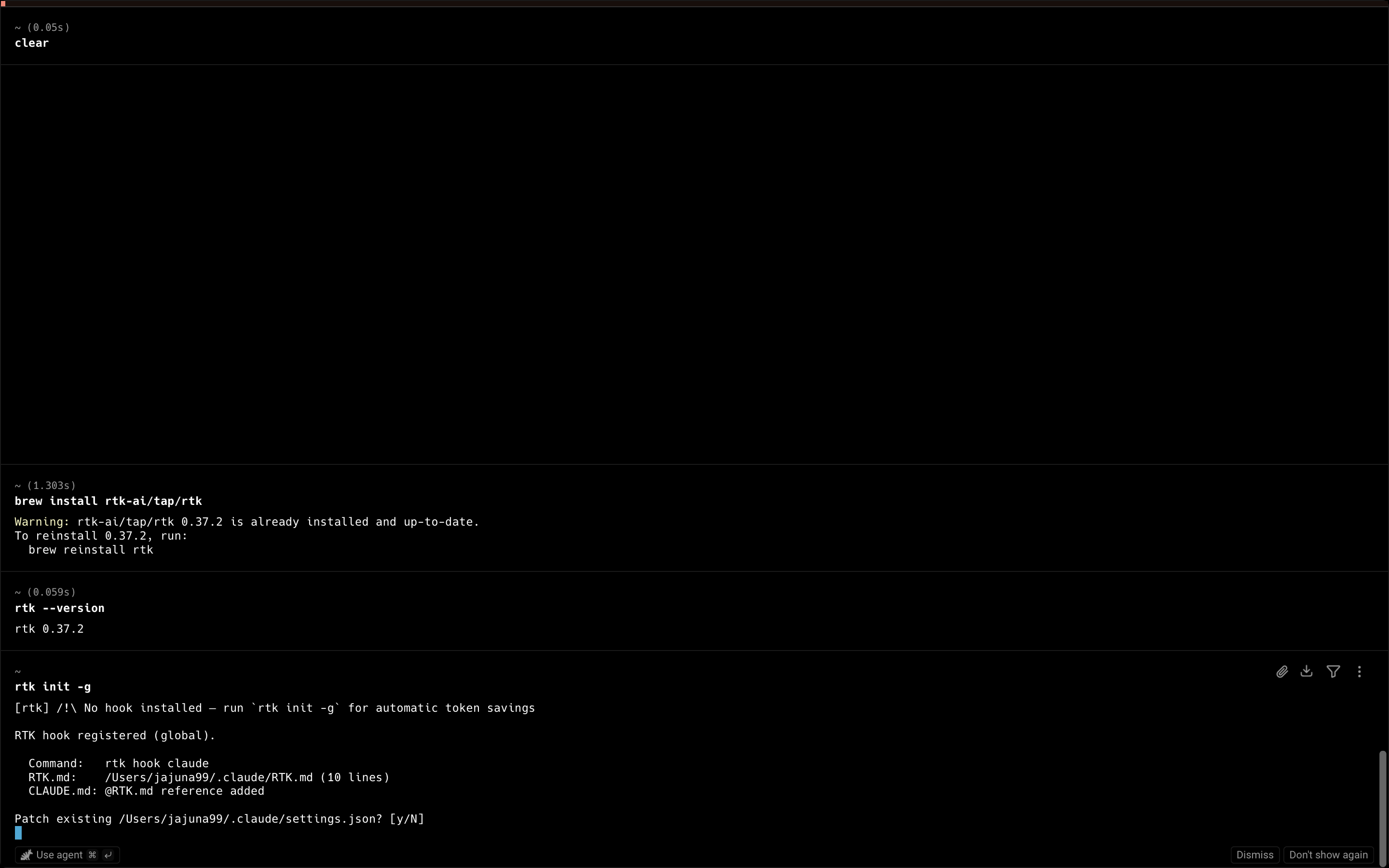
RTK installs a Bash hook when you run rtk init -g. After that, every command you run flows through this process automatically:
Command entered
    ↓
RTK intercepts and runs the actual command
    ↓
Output processed through 12 filtering strategies
    ↓
Only high-signal information passed to LLM context
The added latency per command is just 5–15ms — imperceptible in practice. If filtering fails, RTK automatically falls back to the original output.
Installation#
# Homebrew (macOS)
brew install rtk-ai/tap/rtk

# Or via curl
curl -fsSL https://rtk-ai.app/install.sh | sh
After installing, set up the global hook:
rtk init -g
This single command activates RTK automatically across all terminal sessions.
Supported Tools#
AI coding assistants — Claude Code, Cursor, Aider, Gemini CLI, Codex, Windsurf, Cline
Command modules — git, cargo, npm/yarn/pnpm, pytest, docker, make, and 40+ more
- See the official site demo: rtk-ai.app
Real-World Results#
Numbers published on the RTK official site:
| Command | Original tokens | After RTK | Reduction |
|---|---|---|---|
git log | ~800 | ~80 | 90% |
npm test | ~1,200 | ~200 | 83% |
docker build | ~2,000 | ~300 | 85% |
Real users have reported saving over 130 million tokens within just a few weeks of use.
From my own hands-on testing:


Things to Watch Out For#
Exit code preservation — RTK passes through the original command's exit code unchanged. It's safe to use in CI/CD pipelines.
Filtering coverage — Not every command gets optimized. Commands not in the supported module list are passed through with their original output intact.
Potential context loss (important) — In rare cases, the filtering process may trim information you actually need for debugging. When that happens, temporarily disable RTK to see the full original output.
rtk disable   # Disable
rtk enable    # Re-enable
Summary#
| Concept | Description |
|---|---|
| RTK | A proxy that filters CLI output before passing it to an LLM |
| Installation | brew install rtk-ai/tap/rtk + rtk init -g |
| How it works | Intercepts commands via Bash hook → extracts only high-signal information |
| Token reduction | 60–90% decrease per command |
| Supported tools | Claude Code, Cursor, Aider, and other major AI coding assistants |
| Exit codes | Preserved from the original command — safe for CI/CD environments |